No App Store Needed
Add Tradeline Builders To Your Home Screen
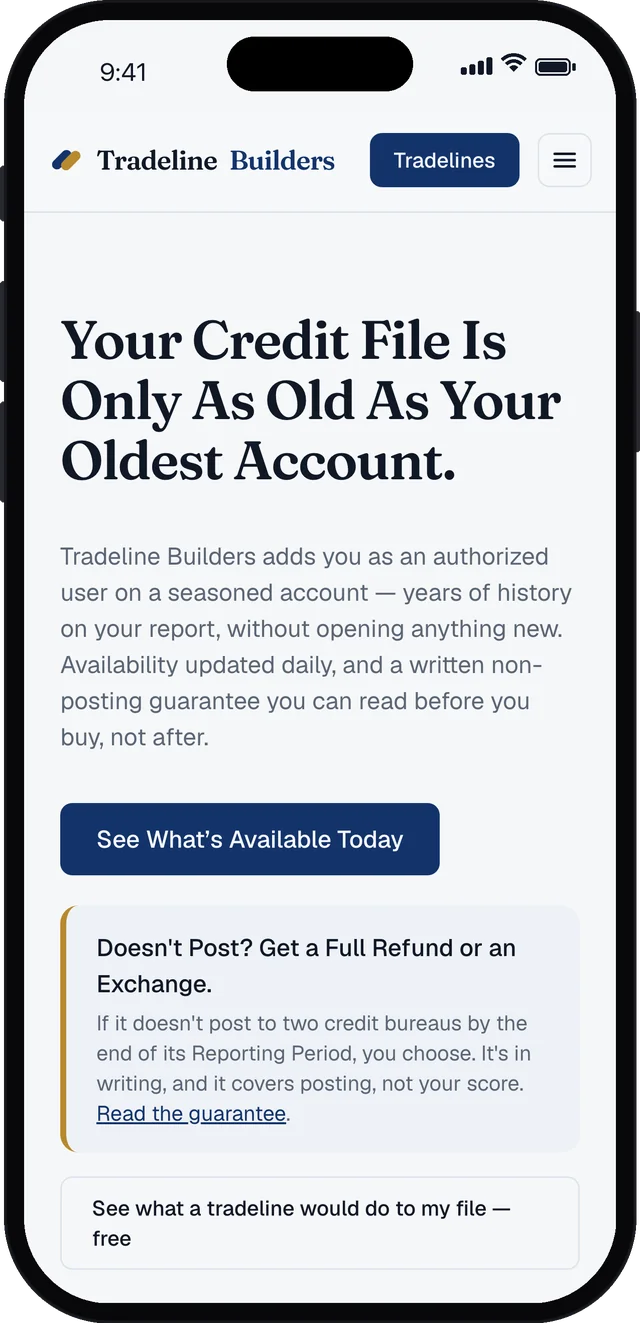
Availability changes every day as listings sell and reach their purchase deadlines. Keep the catalog one tap away and check what's open the moment you think of it.
Point Your Phone's Camera Here
Follow the steps for your device below. It takes about ten seconds.
Ten Seconds On Any Device
iPhone & iPad
- Open this page in Safari.
- Tap the Share button (the square with the arrow).
- Scroll down and tap Add to Home Screen.
- Tap Add.
Android
- Open this page in Chrome.
- Tap Install Now above, or the ⋮ menu.
- Choose Install app or Add to Home screen.
- Confirm. The icon lands next to your other apps.
Computer
- Open this page in Chrome or Edge.
- Click Install Now above, or the install icon in the address bar.
- Click Install.
- It opens in its own window, pinned to your dock or taskbar.